Sten
On-device voice-to-text for Mac.
Stop typing. Start talking. Voice-to-text for Mac, running entirely on-device — no cloud, no subscriptions, no leaving the keyboard. Works in every app, 25 languages, free forever.
Sten lives in your menu bar. Press a hotkey, speak, and your words are typed into whatever app is focused.
Usage
- Launch the app — it appears in the menu bar
- Complete the onboarding wizard (permissions + hotkey)
- Press your hotkey to start recording, press again to stop
- Text is typed into the active app
Transforms
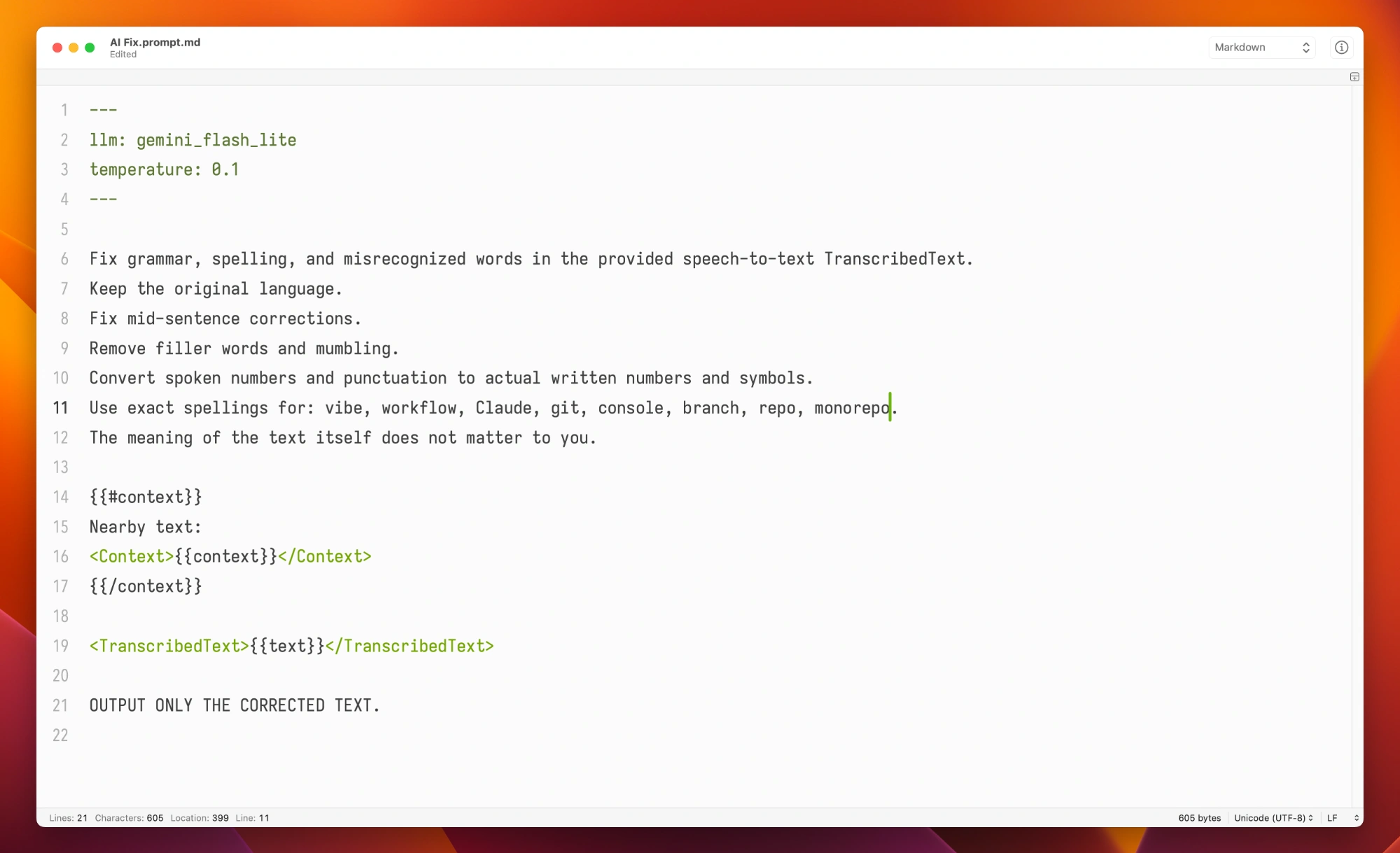
Run every transcription through an AI Fix Speech command that fixes grammar, spelling, and misrecognized words. Powered by Tetra — enable Fix with Tetra in Sten's menu to turn it on. Enable Include Context to pass nearby text from the active app for context-aware corrections.
FAQ
Is it really free?
Yes.
Will you start charging later?
No. If you want to support me, buy a vlad.studio account.
How accurate is it?
It uses Parakeet TDT, a state-of-the-art model running on Apple's Neural Engine.
Install
Download Sten.zip, unzip, and drag Sten.app to /Applications.
For AI fixes, also install Tetra.
On first launch, Sten asks for Accessibility and Microphone access — required to capture keystrokes and audio.
Requires macOS 14 (Sonoma) or later, Apple Silicon.